Surface Laptop 3

Surface Laptop 3 is part of Microsoft's product range, which we offer refurbished. Every device is fully tested, cleaned and, where necessary, fitted with new components by our technicians before sale.
The configurations on offer differ, among other things, in the processor: i5-1035G7. RAM and storage vary depending on the offer — the exact specification is stated in the product description for each item.
12 months' dealer warranty is included with every device and can be extended to 24 or 36 months at the time of purchase. Standard shipping is free, delivery within Germany in 1–3 working days. As a consumer, you have a 14-day right of withdrawal from receipt of the goods.
What distinguishes the configurations on offer?
Mainly the processor (i5-1035G7); RAM and storage are stated in the respective item description.
Warranty and shipping as everywhere in the shop?
Yes — 12 months' dealer warranty included, free shipping, 14-day right of withdrawal as a consumer.
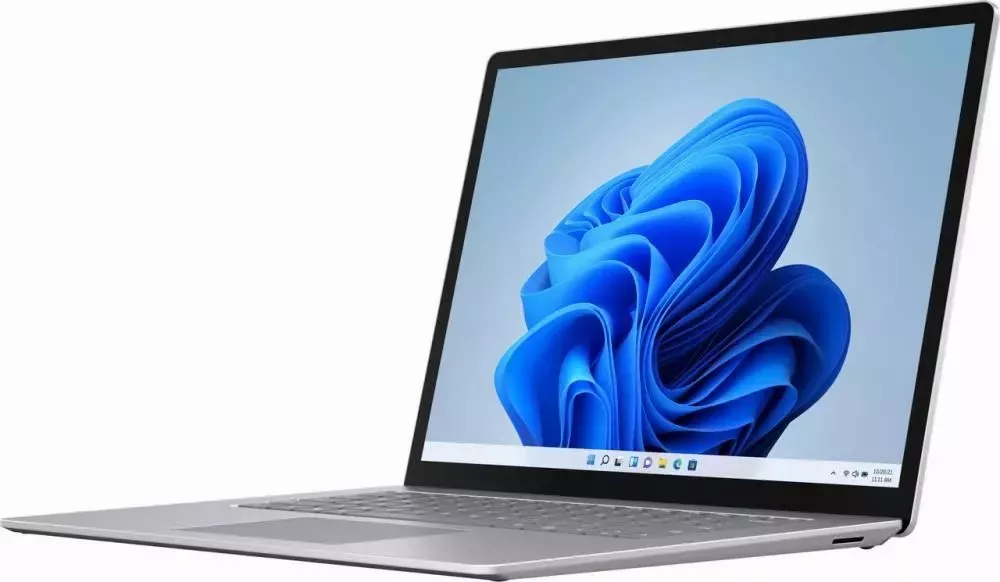
Surface Laptop 3Surface Laptop 3 has the power and style to help you get things done the way you want throughout your day.Get to know Surface Laptop 3Below are some diagrams for Surface Laptop 3 to help you get around.Surface Laptop 3 FeaturesThin and light designThe Surface Laptop 3 is thin and light, weighing from 1.25 kg, so you can take it with you all day. Choose between a 13.5-inch and a 15-inch screen – depending on what is best suited for your work. Both are touchscreen displays with PixelSense, which provide a crisp resolution.Get the performance you needFor personal use, choose between a 10th generation Intel Core or AMD Ryzen Microsoft Surface Edition processor to get the desired performance and power so you can do your best. For business customers, the latest 10th generation Intel Core processor provides the power you need to get your tasks done.Choose the finish and colour you wantChoose between the new metal palm rest or the familiar Alcantara® material – you can get the look that suits you. No matter which one you choose – you get the desired comfort when typing and using your Surface Laptop 3. Various colours are available, so you can choose the one you like.Work the way you like best – with USB-CConnect to an external display, a docking station, newer USB devices and more via USB-C. If you leave your charger at home, simply use a USB-C cable and power your Surface Laptop 3 with additional battery capacity if required. The Surface Laptop 3 also has a USB-A port, so you can connect your other USB devices at the same time. For more information on charging via USB-C, see Charge Surface.More with Windows and Microsoft 365Use familiar features like Windows Hello to sign in quickly and Microsoft Edge to browse quickly. With Microsoft 365, you can create your best work and save it securely in Microsoft OneDrive. If you save your documents to OneDrive, you can access them from your PC or phone, so you always have them at hand.