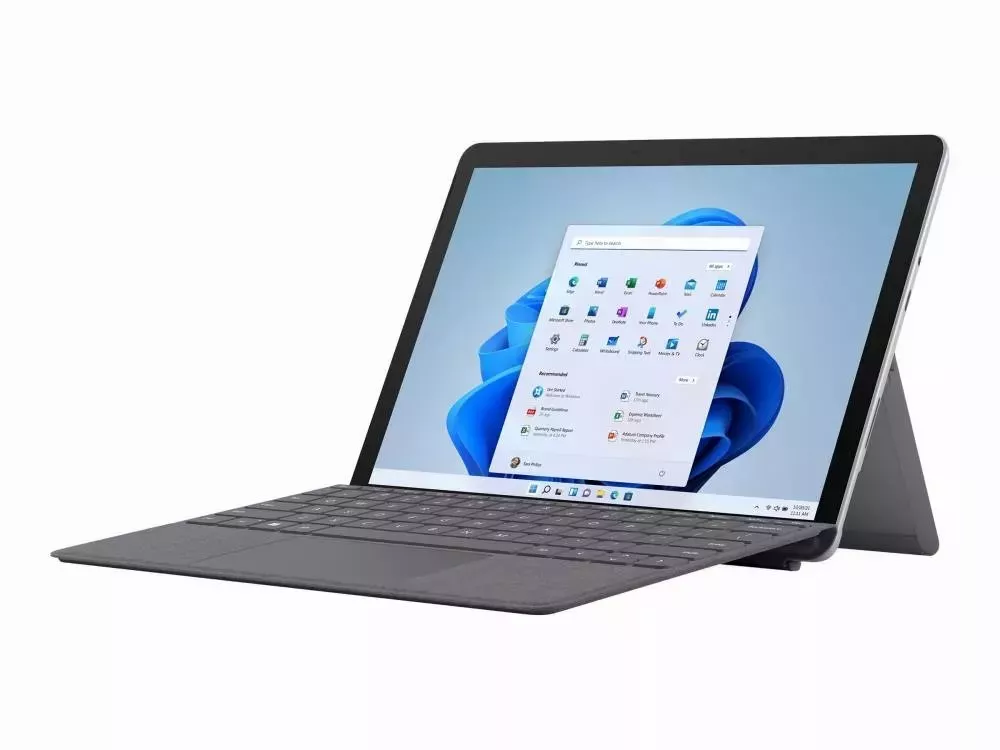
Microsoft Surface Go 2 Gold-4425Y 4GB 64GB FHD WLAN BT Webcam Win 10 Pro


€146.91
% Regulärer Preis: €419.99 (65.02% gespart)
Nicht mehr verfügbar
Produktinformationen "Microsoft Surface Go 2 Gold-4425Y 4GB 64GB FHD WLAN BT Webcam Win 10 Pro"
Surface Go (2nd Generation)
Surface Surface Go Surface Go (2nd Generation) – Specifications and FeaturesSurface Go (2nd Generation) – Specifications and FeatureszSurface Go_Get to know Surface GoThe following image shows some of the most important buttons and parts of Surface Go.
Surface Go with labels
Power button
Volume
Windows Hello and facial recognition
Speakers
Headset jack
USB-C port
Kickstand
Surface Connect
MicroSDXC card reader
Surface Go Features
Here are some highlights to get you started with Surface Go.
Designed for portability
Surface Go is slim and light. It can therefore be easily taken anywhere – to work, to school and to all other places. With the 10-inch PixelSense display and weighing only 0.52 kg (without Type Cover), it is not a burden on the go. The Surface Go fits easily into your bag, and you will hardly notice the weight.
Designed for handwritten notes
Create handwritten notes and organise them. With the Surface Pen and OneNote with Surface Go, you can organise your notes from various areas of life – at work, at school or in your free time. (The Surface Pen is sold separately.)
Do more with Windows, Microsoft Office and OneDrive
Do more with Microsoft Office. It includes the apps you need to do your best work, such as Word, Excel and PowerPoint. OneDrive is also included, so your content is securely and easily available in the cloud. Windows 10 Home in S Mode ensures your Surface stays fast and secure.
Surface Go Signature Type Cover
It is slim, light and specially designed for the Surface Go.
Surface Mobile Mouse
Just like the Surface Go, this mouse is also designed for mobility. It is small, light and can be connected quickly. So you can get started right away.
Surface Pen
With the Surface Pen and Surface Go, you can write naturally.
Surface Dock
Connect your Surface Go to the Surface Dock to turn the Surface into a desktop PC and use an external monitor, keyboard and mouse.
| Model: | Surface Go 2 |
|---|
Anmelden